Search Bar

Saturday, 29 April 2023

Python Progrmming Tut#04|Comments in Python

Python Tutorial 04

Comments in Python

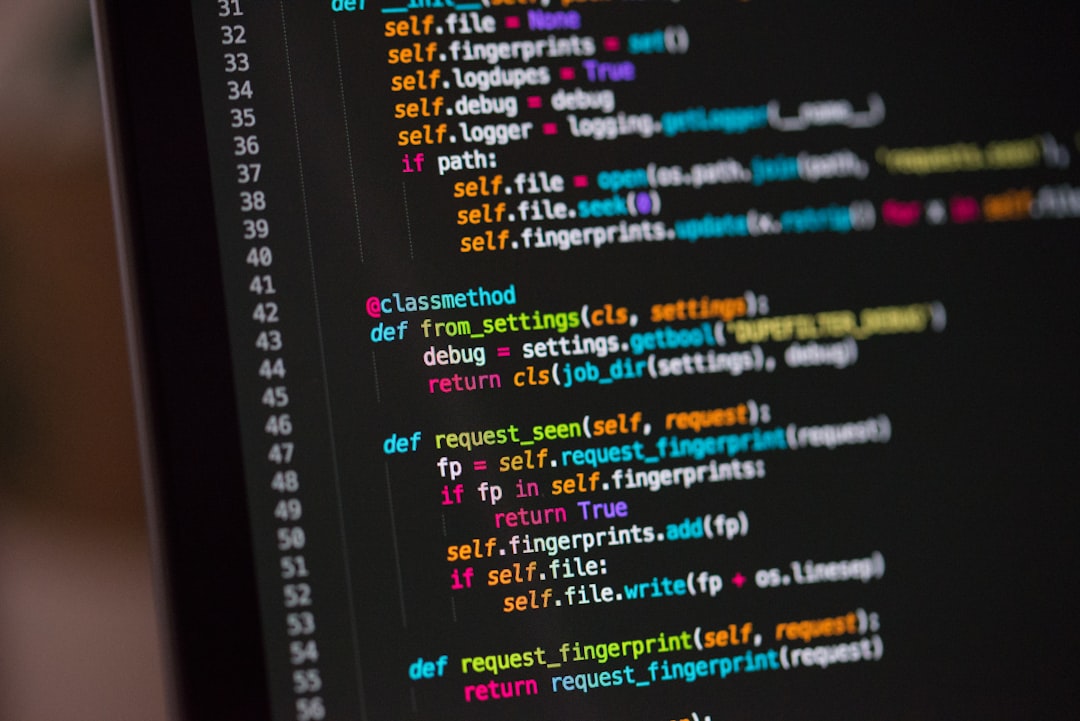
In Python programming, comments are text within the code that are ignored by the interpreter or compiler. They are used to explain what the code does, add notes or reminders, or to disable certain parts of the code during testing or debugging.

Comments are useful because they make the code more readable and help other programmers understand your intentions. Python supports two types of comments:

Single-line comments: These start with the hash symbol (#) and continue until the end of the line. Anything after the hash symbol on a line is ignored by the interpreter.


For example:

Thursday, 16 March 2023

Python Programming Tut#03|First Program|Hello, World

Python Tutorial 03

Once you have learned the basics of Python, you can start writing your first Python program. A simple "Hello, World!" program is a good place to start. Open up your text editor or IDE and create a new Python file. Type the following code:

print("Hello, World!")

Save the file with a .py extension, such as hello.py then run the program. This program simply prints the text "Hello, world!" to the console.

The first line of the program is print("Hello, World!"). This line is a function call that tells Python to print the text "Hello, world!" to the console.

Tuesday, 14 March 2023

Python Programming Tut#02

 Python Tutorial 02

Install Python: Before you can start writing Python code, you'll need to install Python on your computer. You can download the latest version of Python from the official Python website (https://www.python.org/downloads/). Follow the instructions to install Python on your computer.


Choose a text editor or Integrated Development Environment (IDE): Once you have Python installed, you'll need a way to write and edit Python code. You can use any text editor or IDE that you prefer. Some popular options include Visual Studio Code, PyCharm, Sublime Text, and Notepad++. Choose the one that you are most comfortable with.

Learn the basics of Python: Python is a high-level programming language that is easy to learn and use. It's a great choice for beginners who are just getting started with programming.

To check the Python version installed on your computer, you can open a command prompt or terminal and type the following command:

python --version

Saturday, 11 March 2023

Python Programming Tut#01

Python Tutorial 01

Python is a high-level, interpreted programming language that was first released in 1991. It is designed to be simple, easy to read, and easy to learn, making it a popular choice for beginners and experts alike.

Python has a wide range of applications, from web development and data analysis to artificial intelligence and machine learning. It has a large and active community of developers who contribute to open-source projects and share their knowledge and experience.

Wednesday, 1 March 2023

Contact Us

We're always happy to hear from our readers! If you have any questions, feedback, or suggestions for Python Smart Blog, please feel free to get in touch with us.

You can also connect with us on social media. We have active accounts on Twitter, Facebook, and LinkedIn, where we share our latest articles and interact with our readers. Follow us to stay up-to-date with our latest content and join the conversation!

Thank you for your interest in Python Smart Blog. We look forward to hearing from you! 

We'll do our best to respond to your message as soon as possible.

Name

Email *

Message *